
01Has part of what you asked for ever come back missing?
You asked for three things and got a reply, but six days later only two came in. One was left only in the chat.
Read the details
Alex
Wednesday, October 7
Six days later · Tuesday, October 13
You clearly listed the three things you needed and even got the reply “Okay, will do.” Right after that, the talk turned to the quote and the lunch, and six days later only two came in.
Two days before the meeting
- D-8Asked for three things
- D-7 ~ D-3It never came up again
- D-2Price list found missing
- D-0Meeting
Two days before the meeting, you find that one of the three things you asked for is missing.
Until the work came in, neither of you knew for six days. This is how work settled only in conversation goes missing.
How many steps does it take to hand off one task?
Now7 steps
TODAYSIn the request window
Once you send it, a document organized into items goes to the assignee. You both see the same document.
These steps vary a little from team to team. On the TODAYS side, your written note and attached files are split into items by By when · What · How, and the sender checks them once before sending. Dates that aren't in the files are left blank, not made up. The schedule is created once you've agreed on it together.
02Send a request, and what needs doing arrives as items
Your written note and attached email are organized into By when · What · How, and once the sender checks them, they arrive on Alex's screen. Alex can tap any line to ask about it right away.
Read the details
In the request window, write your request as you usually would, or paste in what you asked, and check the recipient. When you tap [Next], Haru, the AI assistant, reads it and splits it into items, and the sender checks them first before sending. Until it's sent, only the sender can see it.
Each item gets a title and separate fields for By when · What · How, plus completion criteria if the request includes them. Each line gets a source showing where its wording came from. Dates and completion criteria that aren't in the email are left blank, not made up.
Alex gets a “You received a new request” notification. The sender and the recipient see the same document.
Tap any line and Ask Haru and Ask directly appear.
Organizing uses Haru Energy. A gray line at the bottom of each item shows that it was organized by AI.
After-hours notification blocking is on from the start. A request sent outside working hours arrives right away, and its notification goes out when the next working hours begin, regardless of this switch.
03Ask, and Haru, the AI assistant, checks the document first. Changes become a new version
Ask Haru, and you get the answer found in the document right away. If it isn't there, one tap on [Ask] sends just that one question straight to the requester. Only the person asking sees their chat with Haru. When the requester sends the document Haru updated from the answer, it becomes a new version, and the changed lines keep their source.
Read the details
Haru looks for answers in the request text and attached files. Only the person asking sees their chat with Haru.
If the answer isn't in the document, Haru asks, “Ask the other person?” Tap [Ask], and only that one-sentence question (plus any file you attached yourself) goes to the requester, with no need to contact them separately. You can edit the sentence before sending, and Haru's answer and the surrounding conversation aren't passed on.
The question is shown on the line you tapped, so it's clear right away what it's about. People in this project see it too, and the organization owner can also see it.
When the requester writes an answer and taps [Reply and update items], Haru uses that answer to update the document right away and shows it. Until it's sent, only the requester sees the changes and can edit or undo them. Tap [Send] to deliver it as a new version, or use [Post reply only] to just answer the question. It works the same way when the requester tells Haru about something that changed partway through.
Once applied, it becomes a new version, and changed lines get “Changed in v5” and a source. If there are two or more sources, tap “2 sources · Flow” to see how it changed, in date order. The same goes while the schedule is underway. New versions, questions, and answers made outside working hours become visible to the other person when the next working hours begin, and the notification goes out then too.
Asking Haru uses the asker's Haru Energy. Even with no Haru Energy left, you can ask directly without Haru. Having Haru update the document from an answer uses the requester's Haru Energy, and the requester can also just post a reply without Haru.
04See what's falling behind before you have to ask
Before you ask, work that's falling behind shows up first, before its deadline. It's an estimate based on dates and recorded progress.
Read the details
What you see first on the dashboard
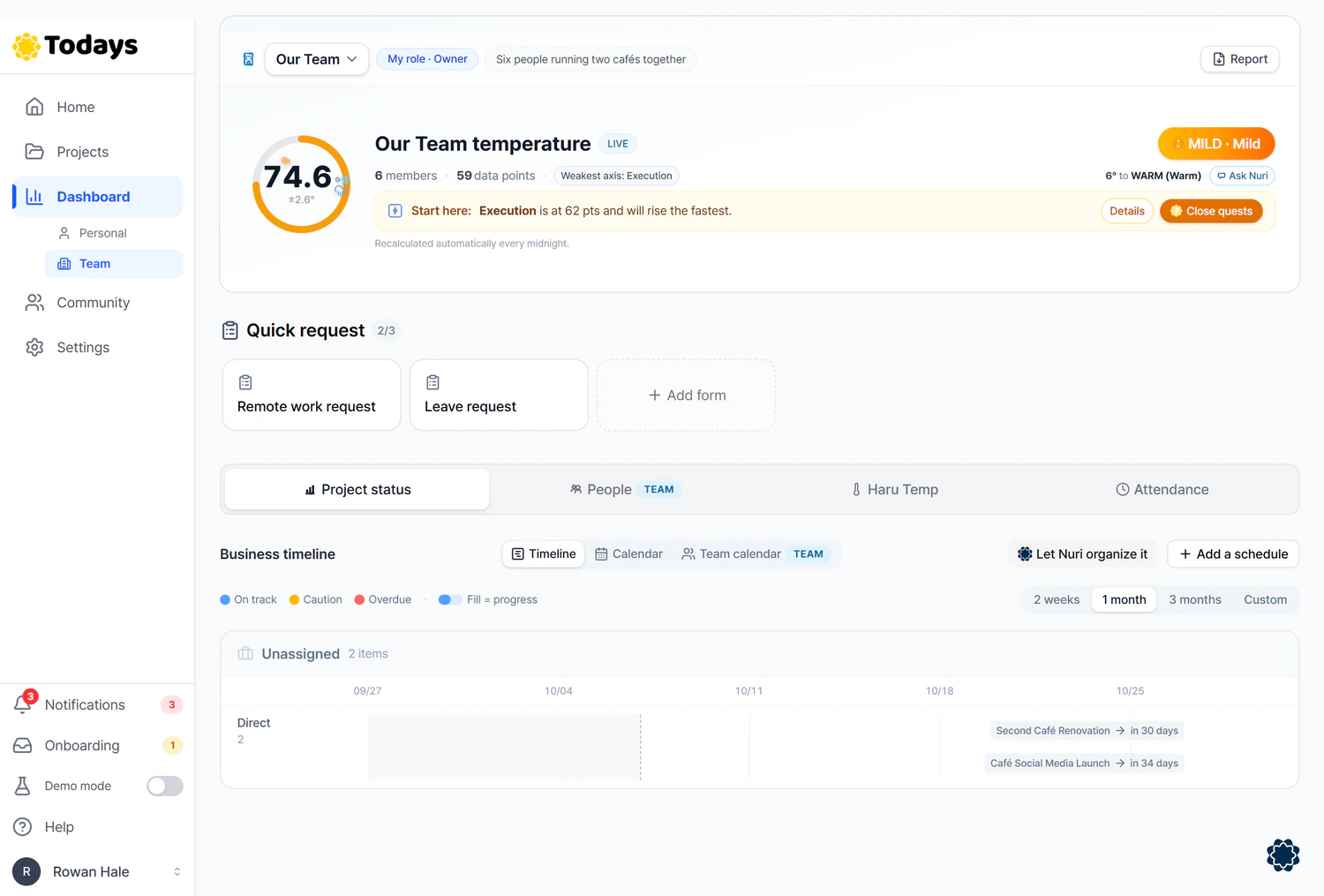
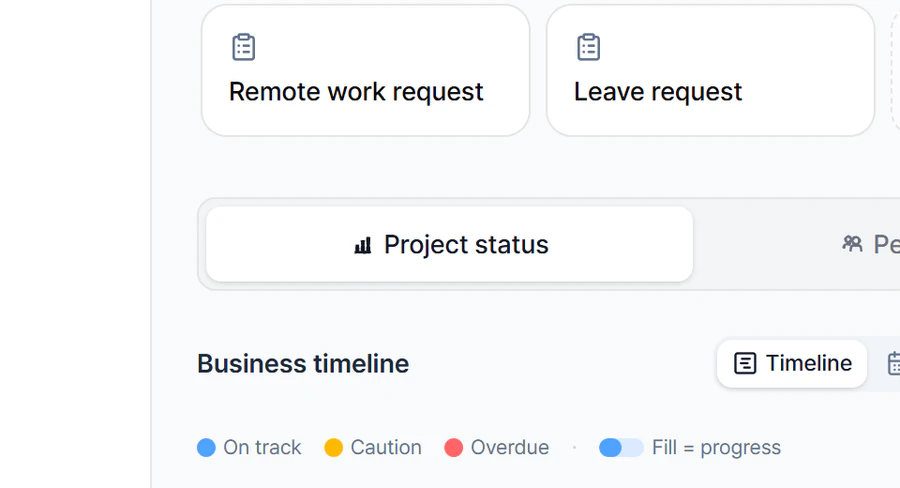
Real screen
Work whose recorded progress is behind the time elapsed from its start date (or creation date, if there's none) to its deadline gets a Caution label. It's an estimate based on dates, so it may differ from what's actually happening.
Overdue work is grouped separately in the red section at the top.
When all the to-dos are done, you get a notification: “Your completed plan was filed into the library.”
How much time are you spending on this now?
Calculated only from what you type in
Your inputs multiplied. We have not measured how much TODAYS reduces them. A month is counted as 4.345 weeks.
Follow-up questions per month
174
times
Total time from asking to answer
43 h 30 min
Monthly total of your inputs. Not a time saved figure
The starting numbers (20 · 2 · 15 min · 6 people) are examples, not survey data.
With the values you entered, you send 87 requests a month, and for each one, both people see one document organized into items.
05Follow along on the screen
Start by sending one request. You can look up the other three when you need them.
Start hereSend a request
Attach a request email, and Haru, the AI assistant, splits it into items. Send it, and it arrives on Alex's screen exactly as sent.
Every morningSee what's falling behind
Without asking, you see overdue work first.
When reportingCreate a report and get it as a PDF
On the org dashboard, select the sections to include, then view it on the web or save it as a PDF.
SetupCreate an organization and invite team members
Name your team and invite the people you'll work with by email.
